Introduction
In this blog post, I will share how I created an index for recently funded start-ups from anywhere around the world using a combination of webscraping and multiple no-code, low-code tools.
This is not used for commercial purposes, and this post is not meant to be treated as a tutorial as it doesnt give a clear step by step how-tos, but instead only use this as a sharing post of a one my project and what one can do now with the current state of the art in automation.
All funding data is taken from Dealroom, all rights reserved
Tools & requirements
The tools that I will be using in this post:
- N8N - n8n.io
- Airtable - airtable.com
- Softr.io - softr.io
- Browserbird - browserbird.com
No prior coding skills is needed to understand however it would help to have some basic programming concepts such as loops and if-else statements, and API requests.
Creating the automation
The automation that I used to run this project is currently in my own instance of n8n. For those that wanted to know more about setting up your own n8n instance, I recommend watching this and follow the tutorial.
Listing out categories link
The first step is for us to list out the category links in which we will scrape our company data from. At the end, I found the following links: Gaming, Health, Travel, Legal, Security, Fintech, Wellness, Music, Real, Fashion, Sports, Food, Media, Dating, Telecom, Education, Energy, Kids, Hosting, Home, Event, Robotics, Jobs, Transportation, Semiconductors, Marketing, and Enterprise
For every category …..
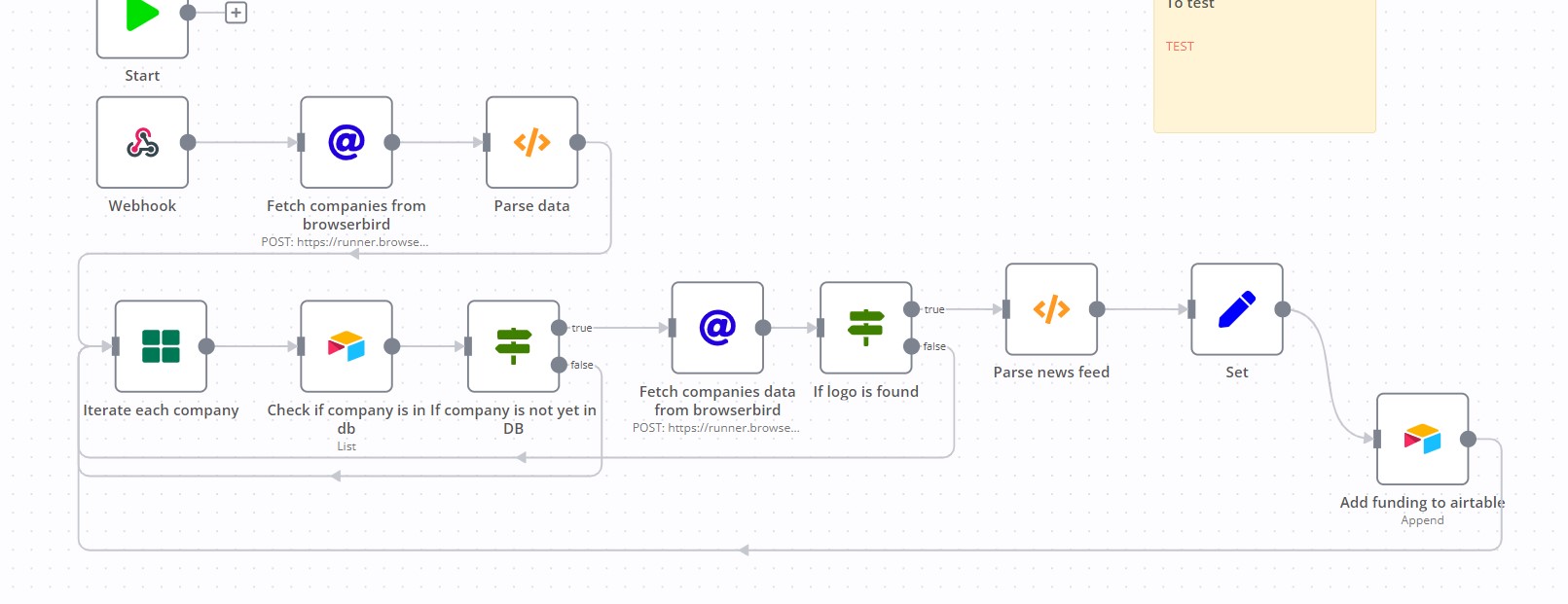
Now that, we have decided the categories of companies that we want to populate our database, we will create a cron job that simply runs a script every day to scrape each of the category links mentioned above. For every category, we would scrape the company list (You can see it in the “Fetch companies from browserbird” node), and then after parsing the data, we can scrape more information regarding the company if the company is not already existing in our database to avoid duplicate entries (The scraping of the company data can be found in the Fetch companies data from browserbird node).
After getting the company data, we can simply add a new row to the airtable. which you can see below:

Connecting to Softr for UI
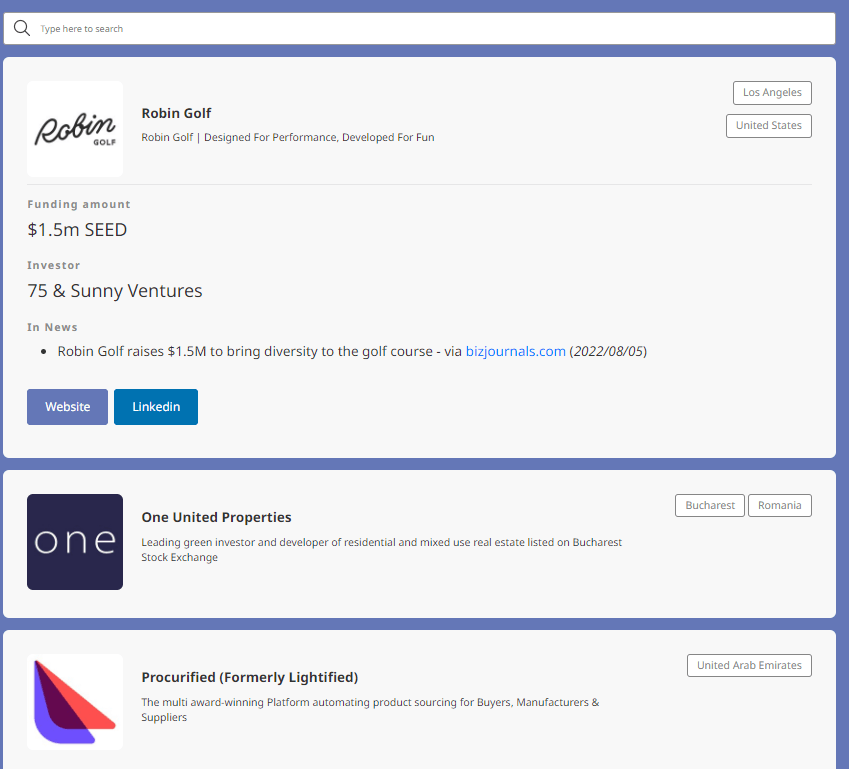
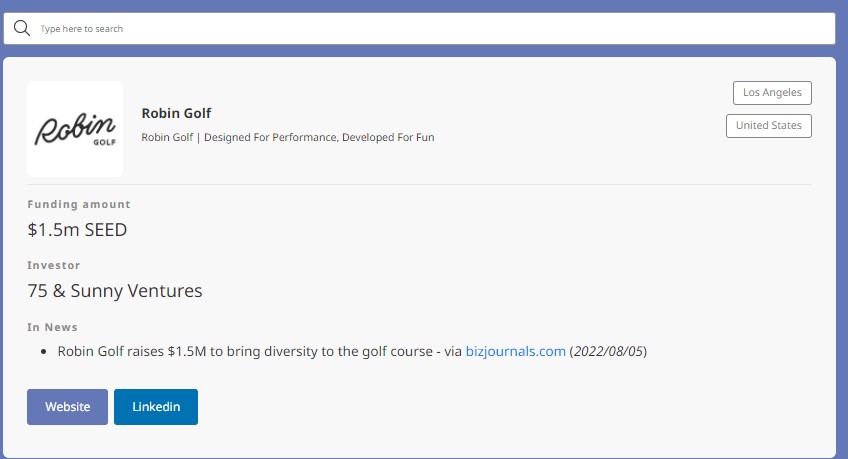
With the database ready in airtable, the team at Softr.io has made it very easy to create a front-end UI from an airtable base such as below.
Conclusion
To conclude, in this blog post, I shared with you a very hacky way to create your own startup index, using Browserbird as a scraper tool, Airtable as our database, Softr.io as our UI connecter, N8N as the main automation tool, and Dealroom as the main dataset. this was created as a showase for my automation agency ALOKA Space, feel free to reach out to us if you want us to automate some of your work!